Best Free Accounting Software for Indian Freelancers in 2026 (7 Honest Picks)
We compared 7 free accounting tools for Indian freelancers — Zoho Invoice, Vyapar, Refrens, Wave and more — on GST-ready invoices, free-plan limits and rupee support. See which one fits your work.
 CodeFree Team
October 15, 2026
8 min read
CodeFree Team
October 15, 2026
8 min read
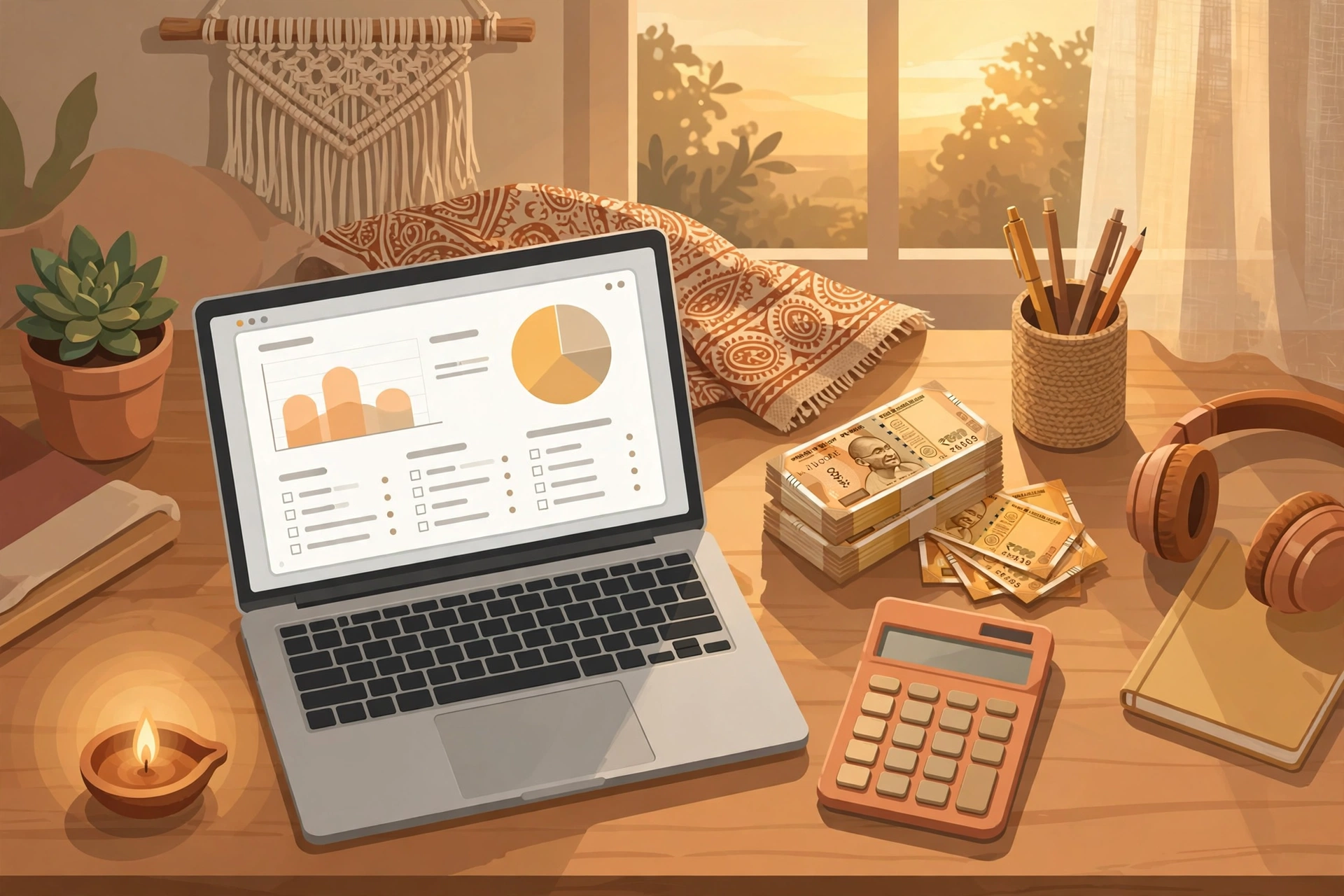
If you are a freelancer in India, you probably got into this line of work for the freedom — not for spreadsheets. But somewhere between the second client and the first delayed payment, a hard truth hits: invoicing, tracking expenses, and staying ready for tax season are part of the job too. Skip them and you lose money — to late payments, missed deductions, and GST headaches.
The good news? You do not need to pay for accounting software when you are starting out. There are genuinely free tools that handle invoicing, expense tracking, and GST-ready bills well enough for most freelancers. We tested the most popular free options used by Indian freelancers and compared them on the things that actually matter: free-plan limits, GST-ready invoices, rupee support, payment reminders, and ease of use.
Here are our 7 honest picks for 2026.
Invoicing vs Accounting: Know What You Actually Need
Before comparing tools, get this distinction right. Invoicing software creates professional bills, sends them to clients, and reminds late payers. Accounting software does all of that plus tracks expenses, manages taxes, and produces financial reports.
Most Indian freelancers do not need full accounting software. If your work looks like this — 2 to 20 clients, monthly invoices, some expenses like internet and software subscriptions, and a CA who handles your filing — then solid invoicing software with basic expense tracking is enough. Full accounting suites are built for businesses with inventory, employees, and multi-user access. Paying for features you never touch is the most common money leak we see in freelance finances.
So this comparison focuses on tools that are free and solve the freelancer's real problems: looking professional to clients, getting paid on time, and keeping clean records.
How We Judged the Free Plans
Every tool below was evaluated on the same five criteria:
- Truly free, not "free trial": the free plan must be usable indefinitely, not a 14-day trial in disguise.
- GST-ready invoices: CGST/SGST fields, GSTIN support, and tax-compliant invoice formats for India.
- Rupee-first experience: ₹ currency, Indian date formats, and preferably an Indian support team or strong India community.
- Payment features: UPI/payment links on invoices and automatic payment reminders — the two features that directly reduce late payments.
- Free-plan limits: how many invoices, clients, and users you get before the paywall appears.
With that framework, here are the seven tools.
The 7 Free Accounting Tools We Compared

1. Zoho Invoice — the global giant with a generous free plan
Zoho Invoice's free plan is one of the most generous in the industry: unlimited invoices, unlimited clients, and unlimited users. It supports GST invoices with CGST/SGST, multiple currencies, time tracking, and payment reminders. The catch? Zoho wants you inside its ecosystem, so integrations with its own apps are smooth while outside ones are limited. Also, payment gateway options in India work but setup takes a few steps.
Best for: freelancers who want a polished, global-standard tool and plan to grow into Zoho Books later.
2. Vyapar — the desi favourite for small businesses
Vyapar is built for Indian businesses and it shows: Hindi language support, GST billing, inventory, and offline mode on its mobile app. The free version covers basic invoicing well, though advanced reports and multi-device sync sit behind the paid plan. It is slightly more "small business" than "freelancer" in its design, but if you bill in regional languages or work with clients in smaller towns, Vyapar feels like home.
Best for: freelancers who also sell products, or who want Hindi/other Indian language invoices.
3. Refrens — invoices plus a client marketplace
Refrens gives you free invoicing with GST, quotations, payment links, and even lead management. Its unique angle is a built-in marketplace where clients can discover your profile — a small but real lead-generation bonus. The free plan is usable for everyday freelancing; paid tiers unlock things like custom domains and advanced analytics. The interface is clean and modern, clearly designed with freelancers in mind.
Best for: freelancers who want invoicing and a bit of inbound lead flow in one place.
4. myBillBook — simple billing for India
myBillBook is a straightforward Indian billing app: GST invoices, estimates, payment reminders, and stock management, with a mobile-first design. The free tier handles core invoicing; multi-staff and advanced features cost extra. It is less feature-rich than Zoho, but it wins on simplicity — you can create your first proper GST invoice within minutes of signing up.
Best for: freelancers who want the simplest possible path to a GST-compliant invoice.
5. Wave — the international free option
Wave offers genuinely free invoicing and accounting with no invoice limits. The problem for Indian freelancers: it is not built for India. No GST tax fields, no ₹-native workflows, and payout options that assume US/Canadian bank accounts. If all your clients are abroad and you invoice in dollars, Wave is a solid free pick. For Indian clients and GST compliance, skip it.
Best for: freelancers with only international clients who invoice in USD/EUR.
6. Excel / Google Sheets — the DIY workhorse
Do not underestimate the spreadsheet. A well-made invoice template in Excel or Google Sheets costs nothing, works offline, and gives you total control over design. The downsides are real though: no automatic payment reminders, no payment links, manual GST math (error-prone), and no invoice numbering discipline unless you enforce it yourself. Fine for 2–3 invoices a month; painful beyond that.
Best for: absolute beginners sending very few invoices, or as a backup system.
7. CodeFree GST Invoice Generator — the free, own-your-data option
This is the DIY-developer option: a free, open-source GST Invoice Generator (PHP) from CodeFree. Download it, host it on your own server, and generate tax invoices with CGST/SGST, GSTIN fields, and professional layouts — no account, no subscription, no per-invoice limits, and your client data stays on your own machine.
The trade-off is honest: it is self-hosted, so you need basic PHP hosting to run it. But if you are a developer-freelancer (or know one), this is the only option here with zero cost forever and zero vendor lock-in. It is also a great way to understand exactly how GST invoice math works under the hood.
Best for: developer-freelancers who want free-forever invoicing and full control of their data.
Head-to-Head: Free-Plan Limits Compared
| Tool | Free invoices | GST-ready | Payment reminders | Catch |
|---|---|---|---|---|
| Zoho Invoice | Unlimited | Yes | Yes | Ecosystem lock-in |
| Vyapar | Limited | Yes | Yes | Advanced features paid |
| Refrens | Generous | Yes | Yes | Advanced analytics paid |
| myBillBook | Limited | Yes | Yes | Multi-staff paid |
| Wave | Unlimited | No | Yes | Not built for India |
| Excel/Sheets | Unlimited | Manual | No | Everything manual |
| CodeFree GST Invoice Generator | Unlimited | Yes | Manual | Needs PHP hosting |
Which One Should YOU Pick?
Stop comparing features and match the tool to your situation:
- Just starting out, Indian clients: myBillBook or Refrens — simplest setup, GST-ready from day one.
- Planning to scale into an agency: Zoho Invoice — the free plan grows with you into the full Zoho suite.
- Selling products alongside services: Vyapar — inventory plus invoicing in Indian languages.
- Only foreign clients: Wave — free and polished, GST irrelevant.
- Developer who hates subscriptions: the CodeFree GST Invoice Generator — self-hosted, free forever, your data stays yours.
- 2–3 invoices a month: an Excel template is honestly fine — upgrade when the manual work starts costing you time.
The Costly Mistake Freelancers Make
Here is the mistake we see constantly: freelancers buy paid accounting software in month one "to look professional," then use 5% of it. A ₹1,500/month subscription that you barely open is just a tax on optimism.
The second mistake is the opposite: sticking with WhatsApp-text "bills" for two years. Unprofessional invoices get paid slower — clients deprioritise what looks informal. A proper GST invoice with a payment link and an automatic reminder sequence is one of the highest-ROI upgrades a freelancer can make, and every option above does it for free.
Our rule of thumb: stay free until your monthly invoicing work costs you more than 2 hours, or until you need multi-user access. Then — and only then — pay.
Get Set Up in 15 Minutes

Want the zero-cost, zero-subscription route? Download the free GST Invoice Generator source code from CodeFree, upload it to any PHP hosting, and you are issuing professional CGST/SGST tax invoices the same day. No account needed, no limits, and the full source is yours to customise — add your logo, your terms, your payment UPI link.
⬇ Download the Free GST Invoice Generator
Frequently Asked Questions
Is free accounting software really enough for a freelancer in India?
For most yes. If you send up to 20–30 invoices a month, need GST-compliant bills, and track basic expenses, the free plans of Zoho Invoice, Refrens, myBillBook, or Vyapar cover you. You need paid software only when you add employees, inventory complexity, or multi-branch operations.
Which free tool is best for GST invoices specifically?
Zoho Invoice, Vyapar, Refrens, and myBillBook all generate GST-ready invoices with CGST/SGST and GSTIN fields. The CodeFree GST Invoice Generator also produces proper tax invoices and is completely free with no account required — it just needs PHP hosting.
Do I need accounting software if my CA handles my taxes?
Your CA files your taxes, but they cannot chase your unpaid invoices or tell you which client is profitable. Invoicing software is about getting paid faster and keeping clean records — that is your job, not your CA's. Clean records also make your CA's job cheaper.
Can I switch tools later without losing my invoice history?
Most tools let you export invoices and client lists as CSV or PDF. Before committing to any tool, test its export feature once — if you cannot get your data out easily, that is a red flag. Self-hosted options like the CodeFree generator keep everything in your own database by default.
Pick one tool from the list above, send your next invoice through it, and turn on payment reminders. Future-you — the one who gets paid on time — will be grateful.
Keep reading

Best Free Pomodoro Timer Apps for Indians in 2026: 7 Compared
7 free Pomodoro timer apps compared for Indian students and freelancers — incl. a free, no-sign-up CodeFree timer that works offline.
Read article
Best Free Resume Builders for Indian Job Seekers in 2026: 7 Compared
7 free resume builders compared for Indian job seekers — truly free downloads, ATS safety, and the no-signup option.
Read article
Best Free Notes Apps for Indians in 2026: 7 Compared
Seven genuinely free notes apps compared for Indian users — speed, offline use, sync, and privacy — including free, open-source QuickNotes.
Read article