7 Password Safety Tips for Indian Freelancers & Small Businesses (2026)
Weak, reused passwords are the open door behind most cyber fraud in India. 7 practical password safety tips for freelancers and small businesses — passphrases, 2FA, managers, safe sharing — plus a free password generator.
 CodeFree Team
November 27, 2026
10 min read
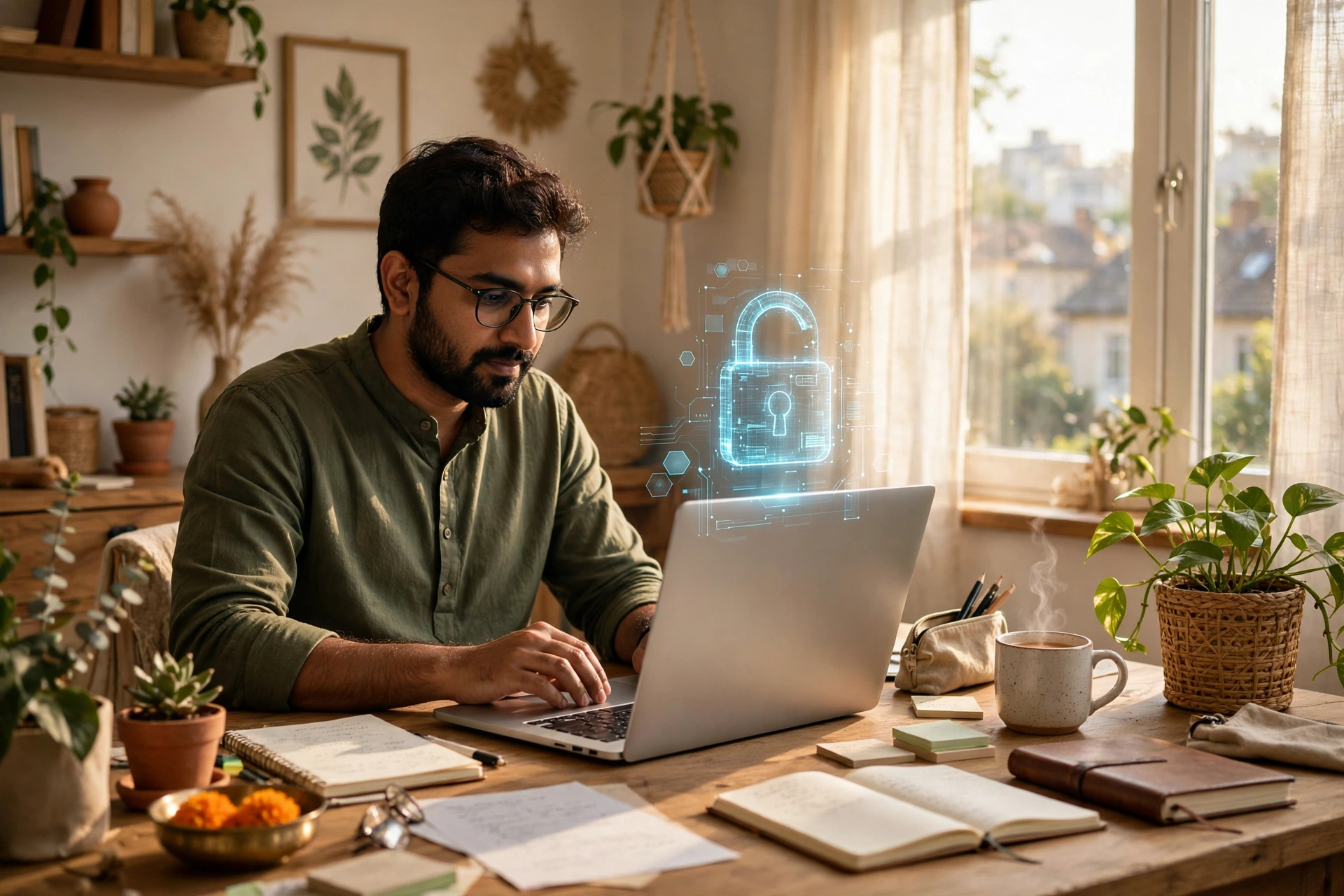
Your email, your bank account, your UPI app, your clients' files, your Instagram page — for an Indian freelancer or small business owner, almost everything sits behind a password. And for most of us, that password is the same one we have used since 2019, maybe with a "123" added at the end when a website forced a change.
That habit is expensive. Between January and June 2026, India recorded more than 12.7 lakh cyber fraud complaints, with reported losses of over ₹10,178 crore, according to data discussed by the Ministry of Home Affairs. Uttar Pradesh alone logged 1.85 lakh complaints, and Maharashtra reported the highest losses at ₹1,637.66 crore. Phishing, OTP fraud, fake customer-care numbers and stolen credentials are behind a large share of these cases — and weak, reused passwords are the open door most of them walk through.
The good news: password safety is not a technical skill. It is seven small habits, and none of them costs money. Here they are, in the order that protects you fastest.
1. Stop Reusing Passwords — One Breach Should Never Open Every Account
This is the single most important tip on this list. When you use the same password for Gmail, your bank, Flipkart, Instagram and your freelance invoicing tool, a breach at any one of them hands attackers the keys to all of them. Data breaches happen constantly — often at companies you have never even heard of — and stolen password lists are bought, sold and tried automatically against thousands of websites within hours.
The fix is simple in principle: every account gets its own password. Yes, that sounds impossible to remember. That is exactly what tip 4 is for — a password manager solves the memory problem. Your job right now is only to accept the rule: one account, one password, no exceptions, especially for email and banking. Your email account is the master key, because a "forgot password" reset for almost every other service lands in your inbox. If someone owns your email, they own everything attached to it.
Start with the three accounts that matter most: your primary email, your bank/net-banking login, and your UPI/payment apps. Give each a unique password today, then work through the rest over the week.
2. Use Passphrases, Not "Clever" Passwords
Most people try to be clever: "Rahul@1995" or "Sharma#123". These feel secure but are exactly the patterns attackers guess first — a name, a birth year, a symbol, a short number. A far stronger approach is a passphrase: four or five random words strung together, like "chai-monsoon-bicycle-table-42". It is longer, so it is much harder to crack by brute force, and it is far easier to remember than a random jumble of characters.
For the accounts that matter most, aim for at least 16 characters. Length beats complexity every time — a 20-character passphrase of plain words is stronger than an 8-character password full of symbols. When a website insists on symbols and numbers, add them to your passphrase rather than shortening it: "chai-monsoon-bicycle-table-42!" works fine.
If you need a strong password right now and do not want to invent one, use a generator instead of your brain. CodeFree's free PHP Password Generator creates random passwords with a strength meter and one-click copy — set it to 16 or 20 characters, include all character types, and let it do the thinking for you.
3. Turn On Two-Factor Authentication Everywhere It Matters
Two-factor authentication (2FA) means that even if someone steals your password, they still cannot get in without a second proof — usually a code from an authenticator app or an SMS OTP. It is the single cheapest upgrade to your security, and it is free on almost every major service.
Turn it on first for your email, your bank, UPI apps, WhatsApp, Instagram and any client-facing tool that holds customer data. Prefer an authenticator app (like Google Authenticator or Microsoft Authenticator) over SMS where you have the choice — SMS codes can be intercepted through SIM-swap fraud, which is a real and growing problem in India.
One warning that matters for Indian users: never share an OTP with anyone, ever. No bank, no courier company, no "customer care executive" and no government officer will ever ask for your OTP. The moment someone asks, it is a scam — hang up and report it on the national cybercrime helpline, 1930.
4. Let a Password Manager Remember for You
The reason most people reuse passwords is memory. A password manager removes that excuse entirely: it generates a unique, random password for every site, stores them all encrypted behind one master password, and fills them in for you. You remember one strong master password; it remembers the other two hundred.
Free options genuinely work for freelancers and small teams. Bitwarden's free plan covers unlimited passwords across unlimited devices, and Proton Pass's free plan covers unlimited logins and devices too. KeePassXC is free forever if you prefer keeping everything offline on your own computer. Be aware that some well-known names have tightened their free plans — LastPass free now works on only one device type, and Dashlane discontinued its free tier in September 2025 — so check the current terms before you commit.
If you want help choosing, CodeFree compared seven free options in detail: Best Free Password Managers for Indian Users in 2026. Pick one this week, import your saved browser passwords into it, and let it generate fresh passwords as you go. The first hour of setup saves you years of risk.
5. Never Share Passwords Over WhatsApp, Email or Phone Calls
Small businesses share logins all the time — a staff member needs the Instagram password, a freelancer needs the hosting panel, a CA needs the GST portal login. The usual method is a WhatsApp message or an email, both of which live forever in chat history, screenshots and backups, and both of which are exactly where a stolen phone or a hacked account exposes them.
Do it properly instead. Most password managers let you share a single login securely with a team member without revealing the password itself, and you can revoke access the day they leave. For one-off sharing, send the username in one message and the password in a separate channel (for example, username on WhatsApp and password on a phone call), then change the password afterwards. And for shared business accounts, use separate logins per person wherever the service allows it — if something goes wrong, you will know whose access to revoke.
One more rule for teams: when an employee or freelancer leaves, change every password they had access to on their last day, not "when you get around to it". That single habit closes more holes than any software purchase.
6. Change Passwords Fast After a Breach — And Know When Not To Bother
Old advice said to change every password every 90 days. Security experts have moved on: forced regular changes make people pick weaker, predictable passwords ("Password1" becomes "Password2"). The modern rule is simpler — change a password immediately when there is a reason: the service announces a breach, you get a login alert from a place you do not recognise, you shared the password with someone who no longer needs it, or you typed it on a shared or public computer.
Set up breach alerts so you actually hear about problems. Free services like Have I Been Pwned let you check whether your email address appears in known breaches, and both Google and Apple will warn you if a saved password shows up in a breach. Check your email once a month — it takes two minutes and it is how most people first learn they are exposed.
And when you do change a password, change it everywhere that same password was reused. A breach at a shopping site is not a shopping problem if the same password also guards your email.
7. Protect the Devices and Wi-Fi Your Business Runs On
A perfect password means nothing on a compromised device. Keep your phone and laptop updated — those "update available" notifications are usually security fixes, not new features. Lock your phone with a PIN or fingerprint, not just a swipe, and turn on remote lock/wipe (Find My Device on Android, Find My on iPhone) so a lost phone does not become a lost business.
Be careful with public Wi-Fi — the free Wi-Fi at a café, station or client's office is a convenient place for someone to watch unencrypted traffic. Avoid logging into bank accounts or admin panels on public Wi-Fi; if you must, use your mobile data or a VPN. And never leave a laptop unlocked and unattended at a co-working space or a client's office, even for two minutes. That is all it takes to copy a saved password or install something nasty.
Finally, back up your password manager's recovery options. Write your master password on paper, seal it in an envelope, and keep it somewhere safe at home — not in a phone note, not in an email draft, and definitely not in a file called "passwords.txt" on your desktop. If you forget the master password and have no recovery key, you are locked out of everything, which is exactly the disaster you were trying to avoid.
Frequently Asked Questions
What is the safest type of password for a freelancer in India?
A unique passphrase of 16 or more characters, different for every account, stored in a password manager, and protected by two-factor authentication on the accounts that matter most — email, banking and UPI apps. Length matters more than symbols, and uniqueness matters more than either.
Is it safe to save passwords in Google Chrome?
It is safer than reusing the same password everywhere, and Chrome's built-in password check will warn you about breached passwords. But a dedicated password manager is better: it works across all your browsers and devices, generates stronger passwords, and lets you share logins securely with staff or clients. Use Chrome's saver as a stepping stone, not the final answer.
What should I do if I think my password was stolen?
Change it immediately from a device you trust, starting with your email account, then your bank and UPI apps. Turn on two-factor authentication if it was off. Check for unfamiliar logins, sent messages or transactions. If money is involved, call your bank and report the fraud on the national cybercrime helpline 1930 or at cybercrime.gov.in as soon as possible — quick reporting is what gets money frozen.
How do I share a password with my CA or a team member safely?
Use your password manager's sharing feature if it has one, or share through a one-time secure link that expires after viewing. Never send passwords in plain WhatsApp messages or emails. And change the password once the other person no longer needs access.
Start Today: Your Strongest Password Is Free
You do not need to buy anything or learn anything technical. Start with the three accounts that matter most — email, bank, UPI — give each a unique 16+ character passphrase, turn on two-factor authentication, and put them in a free password manager. That one hour of work closes the biggest hole in most Indian freelancers' and small businesses' security.
And for every new account after that, do not invent the password yourself — generate it. Download the free PHP Password Generator from CodeFree: it creates secure random passwords with a strength meter and one-click copy, and you can host it on your own server, so your passwords never leave your hands. Free download, no sign-up, yours to keep.
Keep reading
How to Handle Scope Creep as a Freelancer in India (2026): Scripts, Clauses & Pricing
Scope creep eats your profit and weekends. Learn how Indian freelancers can spot it early, set boundaries, charge for extra work, and keep clients happy.
Read article
Client Not Paying? How Indian Freelancers Can Recover Late Payments in 2026
Late payment from a client? A step-by-step recovery guide for Indian freelancers: the reminder ladder, legal notices, the MSME Samadhaan 45-day rule, Section 138 for bounced cheques, and five systems that prevent the next late payment.
Read article
Freelancing for Foreign Clients from India: GST, LUT & Getting Paid (2026 Guide)
US, UK or UAE clients pay in dollars — but GST, the LUT and RBI rules decide how much of it you keep. A practical 2026 guide for Indian freelancers: zero-rated exports, Form RFD-11, invoicing, and the cheapest way to get paid.
Read article