InvoicePro — GST Invoice & Client Management System (PHP + MySQL)
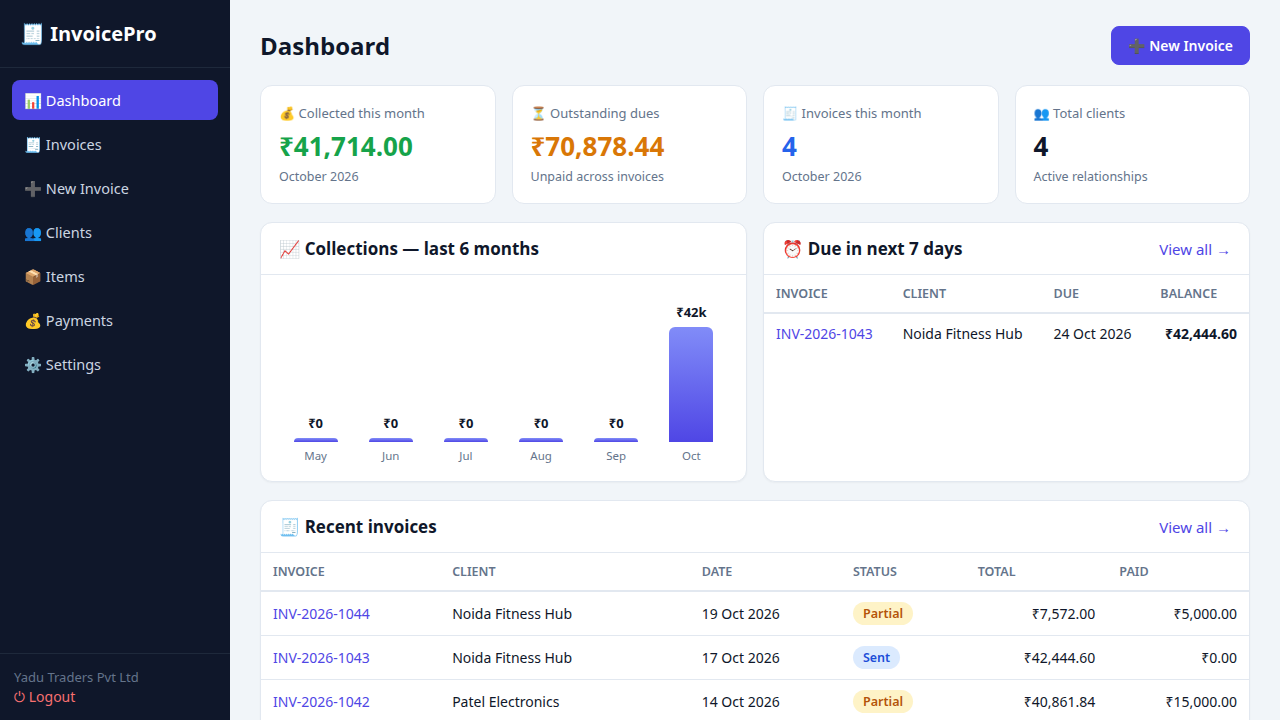
A complete, ready-to-deploy invoicing system for Indian small businesses, freelancers and accountants. Create GST-compliant tax invoices in under a minute, manage clients, track every rupee of payments, and see your cash flow on a live dashboard. Pure PHP + MySQL — no frameworks, no Composer, no monthly fees. Upload and go.
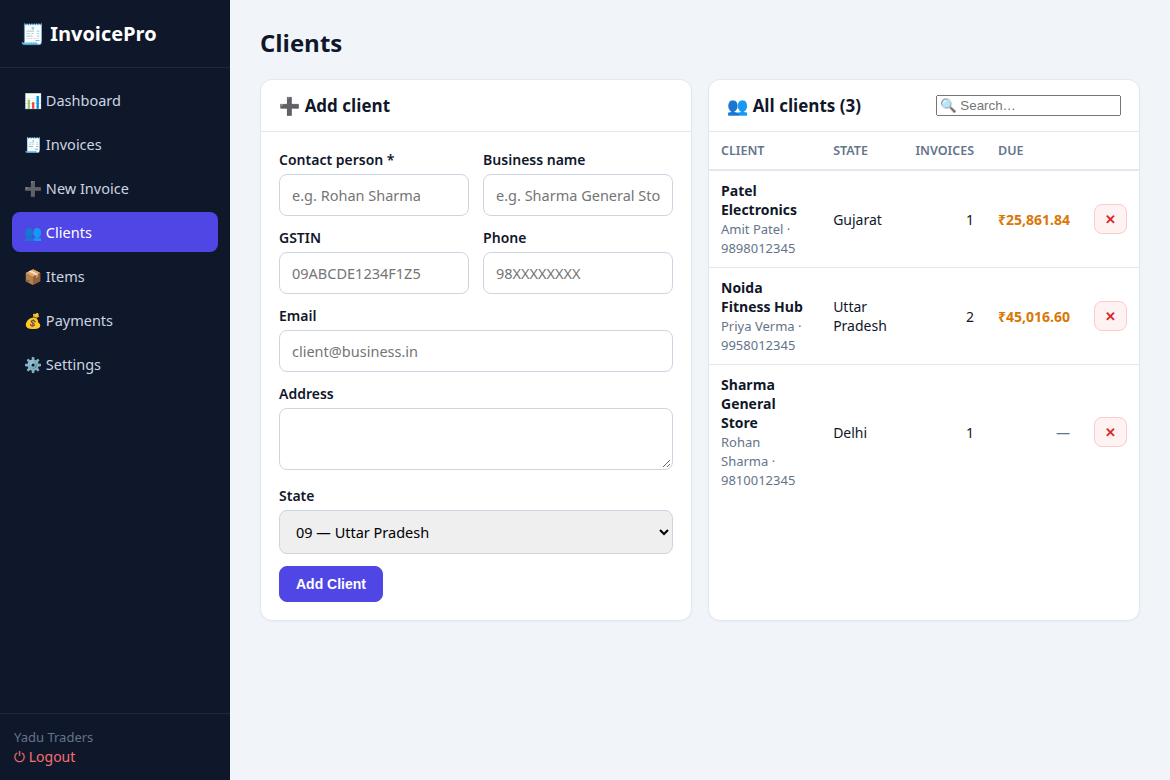
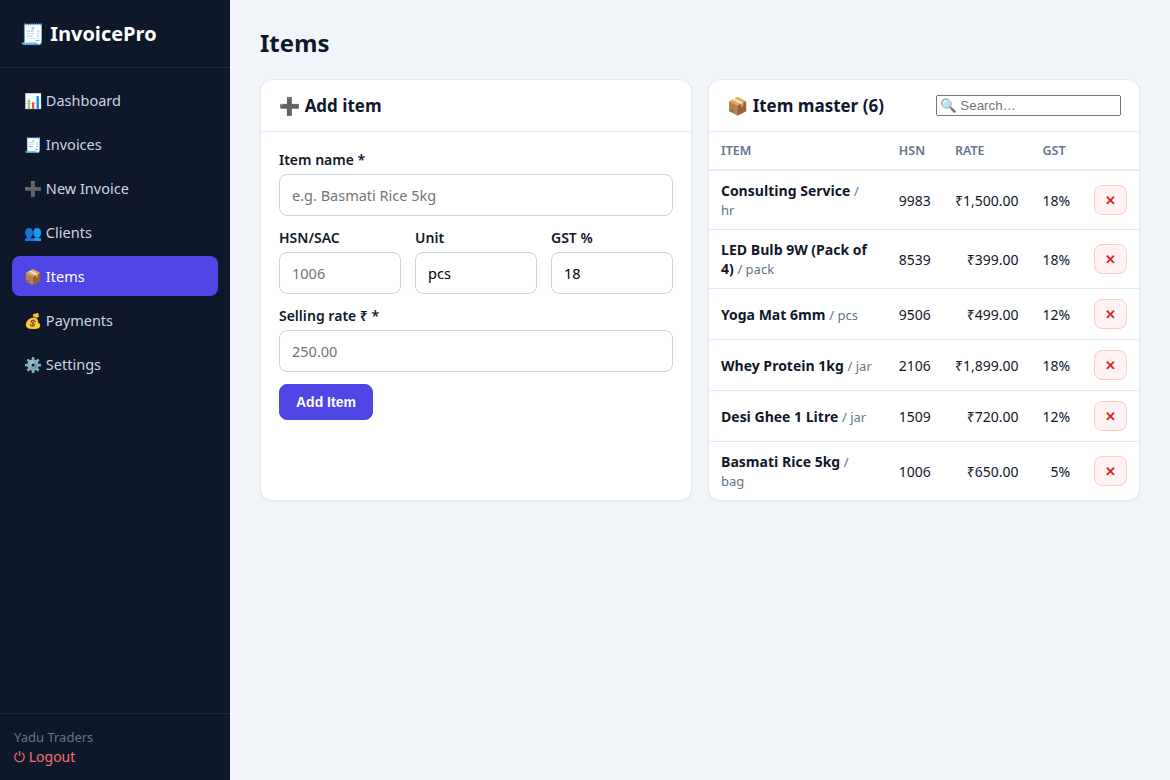
Screenshots (live working product)
Features
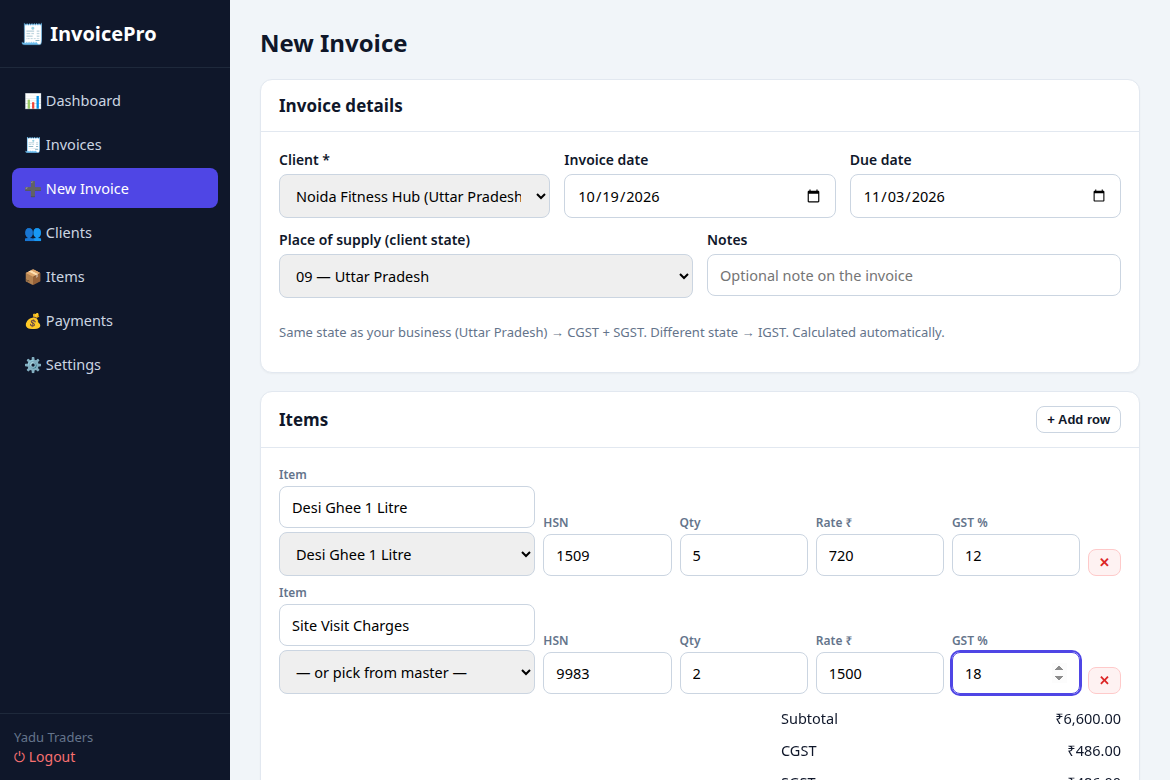
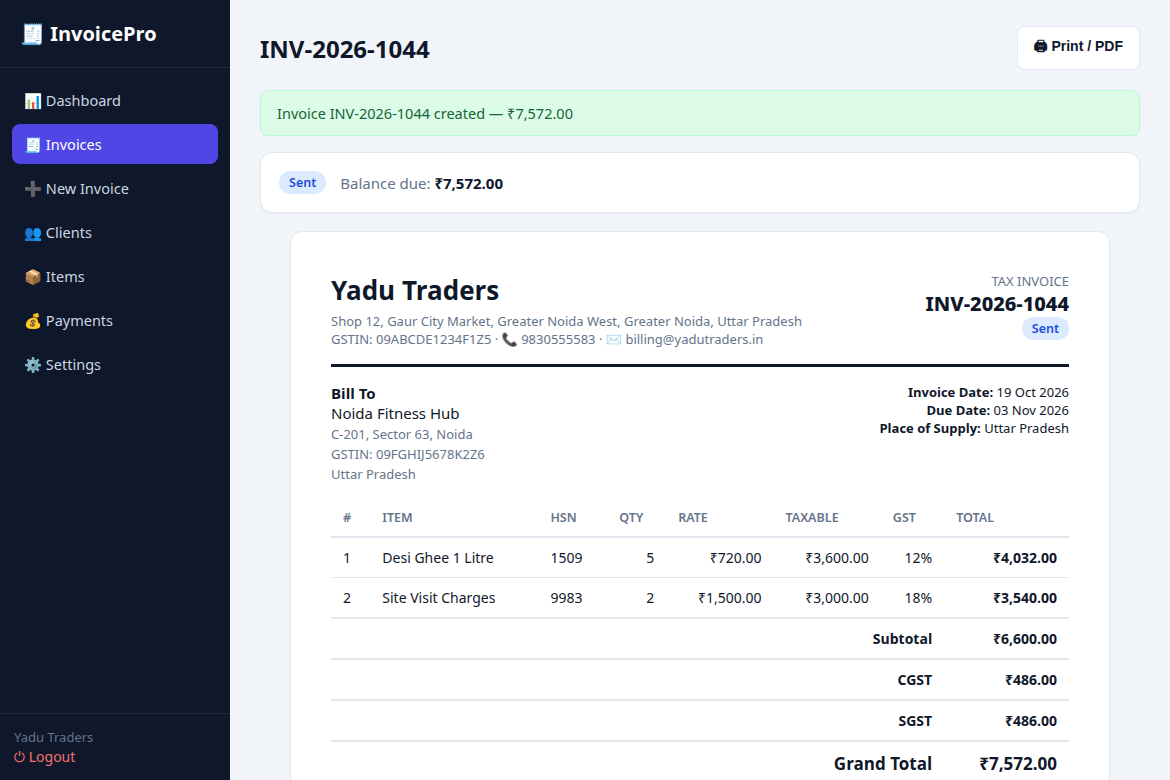
- GST-compliant tax invoices — automatic CGST + SGST split for same-state clients and IGST for inter-state, HSN/SAC on every line item.
- Auto invoice numbering — PREFIX-YYYY-sequence format (e.g. INV-2026-1042) as per CGST Rule 46.
- Client management — GSTIN, state, contact details and per-client outstanding dues at a glance.
- Item / product master — save rate, HSN and GST% once, reuse in one click while billing.
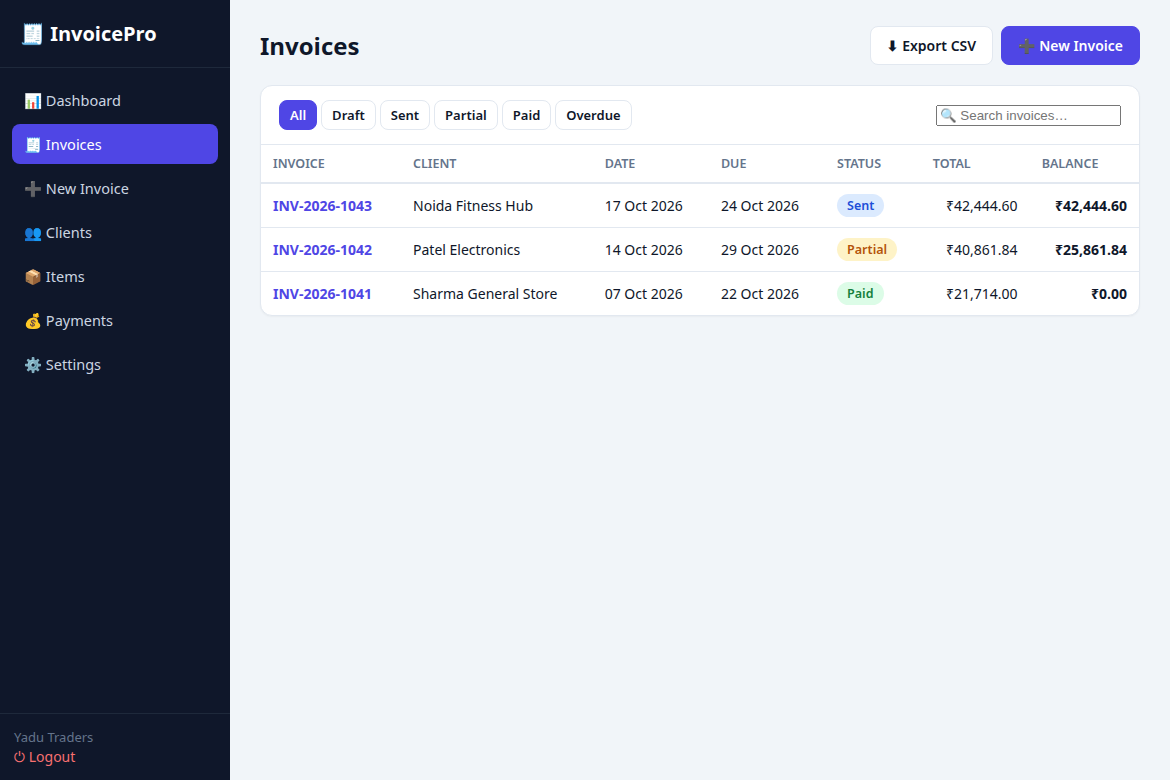
- Payment tracking — record UPI, cash, bank-transfer or cheque payments; status auto-updates to Paid / Partial / Sent / Overdue.
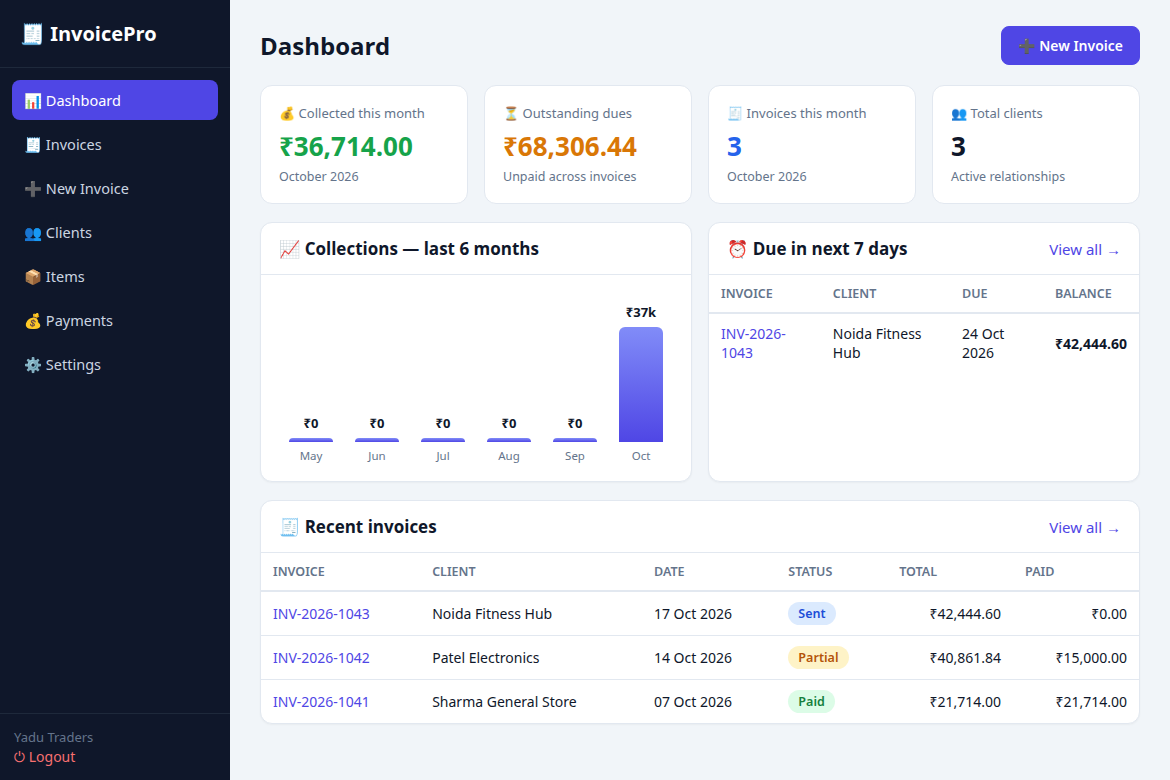
- Live dashboard — this month's collections, total outstanding, 6-month revenue chart and dues due in the next 7 days.
- Print-ready A4 invoices — business letterhead, tax breakup, payment terms and authorised-signatory block.
- Invoice-register CSV export — one-click export for your CA / accountant.
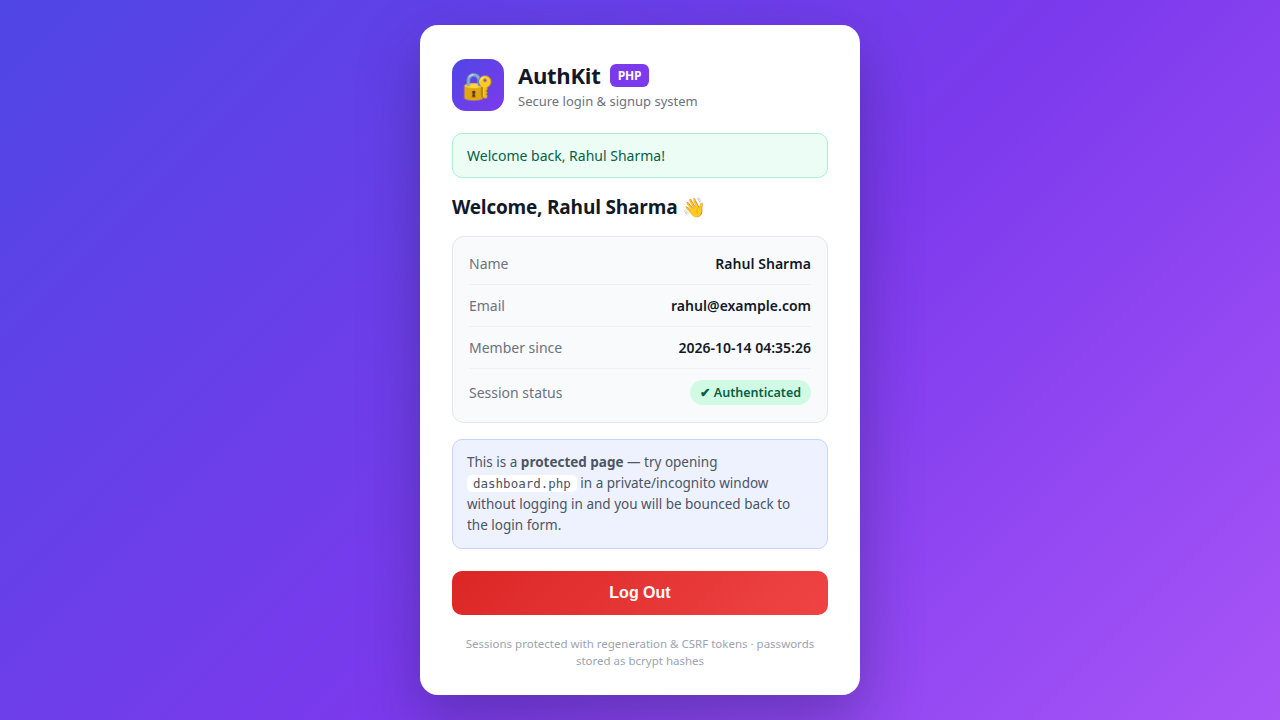
- Secure by default — bcrypt password hashing, session guard, CSRF protection, XSS-safe output.
- Zero dependencies — vanilla PHP + PDO + plain CSS/JS. Works on any shared cPanel hosting.
What's inside
- install.php — 2-minute web installer (creates all tables automatically)
- login.php / index.php — secure admin login + dashboard
- invoice-new.php / invoices.php / invoice-view.php — create, list, filter, print and record payments
- clients.php / items.php / payments.php / settings.php — full management modules
- database.sql — MySQL schema for manual import
- README.txt — setup guide, file map and support info
Requirements
- PHP 7.4+ with PDO + pdo_mysql (standard on cPanel shared hosting)
- MySQL 5.7+ / MariaDB 10.3+
- No Composer, no build step, no external libraries
Installation (5 minutes)
- Upload all files to your hosting (e.g. public_html/invoicepro/).
- Create a MySQL database + user in cPanel.
- Copy includes/config.example.php to includes/config.php and fill in your DB details.
- Open yourdomain.com/invoicepro/install.php — tables are created automatically.
- Login with admin / admin123, update business details in Settings, change the password, delete install.php. Done.
Need a custom website or mobile app for your business? Chat on WhatsApp