Free Invoice Format in Excel for Indian Freelancers (2026 Guide)
Free Excel invoice format for Indian freelancers — GST-compliant fields, step-by-step setup, essential formulas, and common mistakes to avoid in 2026.
 CodeFree Team
October 06, 2026
7 min read
CodeFree Team
October 06, 2026
7 min read
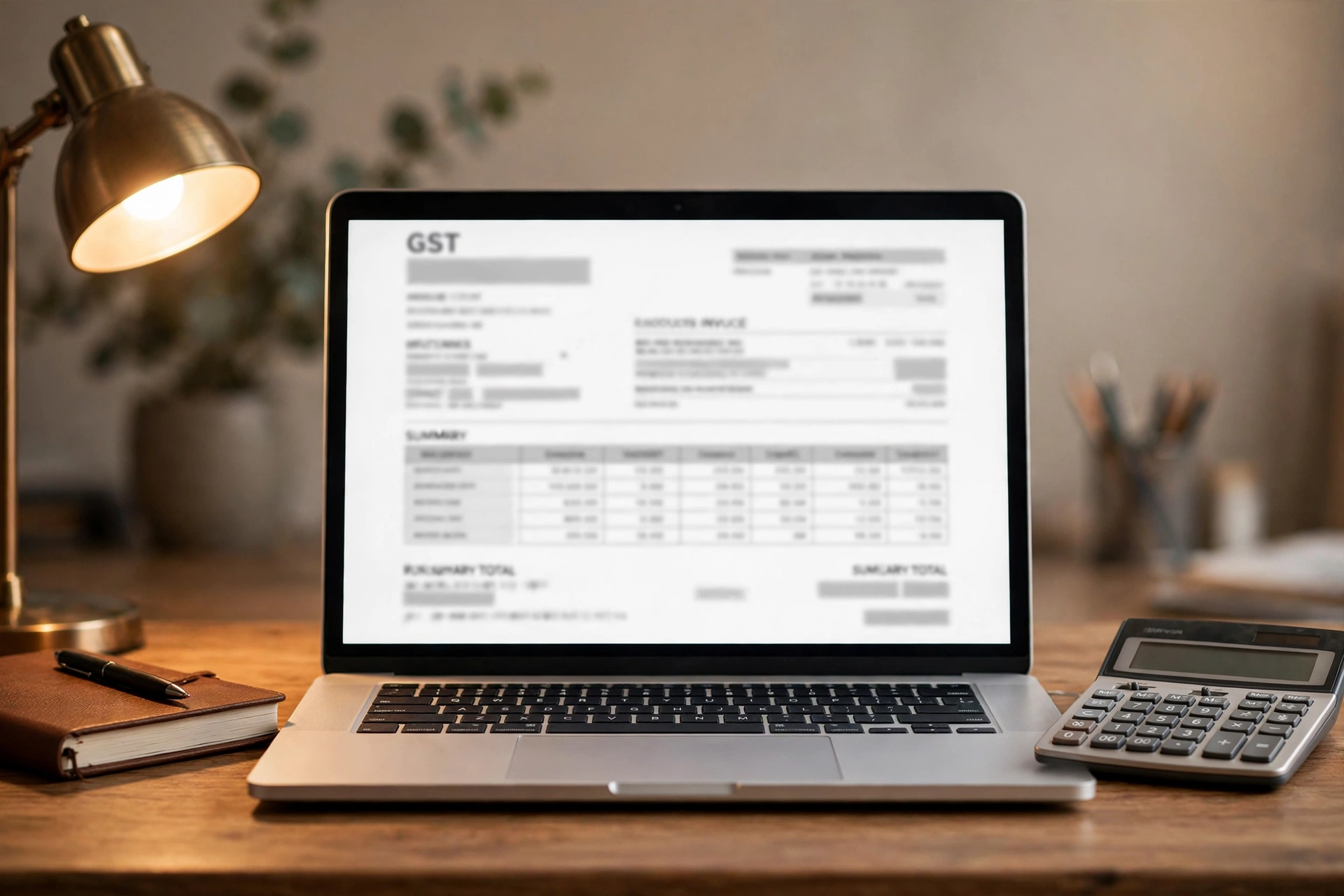
If you are a freelancer in India — a designer in Indore, a developer in Kochi, a content writer in Lucknow — you already know the awkward part of freelancing is not the work, it is getting paid for it. Many talented freelancers still send invoices as plain WhatsApp messages or hastily typed Word documents, and then wonder why payments get delayed or why clients question their professionalism.
A proper invoice format changes that completely. It tells your client you are serious, it speeds up payments, and if you are GST-registered, it keeps you compliant with Indian tax law. The good news: you do not need expensive software. A well-designed Excel invoice format, built once and reused forever, handles everything a freelancer needs in 2026.
In this guide, you will learn what a GST-compliant freelancer invoice must contain, how to build a reusable Excel format step by step with the right formulas, the mistakes that cost Indian freelancers money, and when it makes sense to move beyond Excel.
Why a Proper Invoice Format Matters for Freelancers
An invoice is more than a payment request — it is a legal record of the transaction between you and your client. For Indian freelancers, it serves three purposes. First, it gets you paid faster: clients with accounts departments process formal invoices far quicker than informal payment requests. Second, it protects you in disputes: a numbered, dated invoice with clear terms is evidence of what was agreed. Third, if your annual turnover crosses the GST registration threshold, proper invoices become a legal requirement, not a choice.
There is also a subtler benefit. When a client receives a clean, professional invoice with your name, logo, GSTIN (if applicable), and clear payment terms, their perception of your rates changes. Freelancers who invoice professionally consistently report fewer rate negotiations and faster repeat business. The fifteen minutes you spend setting up a good format pays for itself with the very first client.
What Makes an Invoice GST-Compliant in India

Whether you are GST-registered or not, it helps to understand what a compliant tax invoice looks like under Indian law. If you are registered, every invoice you issue must include these details:
- Your name, address, and GSTIN (GST Identification Number).
- A consecutive serial number for the invoice (e.g. INV-2026-001, INV-2026-002).
- Date of issue.
- The client's name, address, and GSTIN (if they are registered).
- HSN code (for goods) or SAC code (for services) — freelancers providing services use SAC codes; for example, 998314 covers many IT and software services.
- Description of the services, quantity, and taxable value.
- Rate and amount of tax: CGST + SGST for intra-state supply, or IGST for inter-state supply.
- Place of supply, which determines whether CGST/SGST or IGST applies.
- Total invoice value and the amount in words.
- Your signature (digital signature is fine).
If you are NOT GST-registered (turnover below the threshold), you issue a simpler "bill of supply" without tax lines — but keeping the same professional structure still helps. A common mistake is charging GST on invoices without being registered; only registered businesses may collect GST.
Building Your Excel Invoice Format Step by Step
Now let us build the actual spreadsheet. Open Excel or Google Sheets and set up one invoice template you will duplicate for every new bill. Design it in three blocks.
Block 1 — Header (rows 1–6): Your business name in large bold text, your address, phone, email, and GSTIN below it. On the right side, the word INVOICE in big letters, with invoice number and date underneath. Use a simple, readable font — professionalism beats decoration.
Block 2 — Parties and line items (rows 7–15): A "Billed To" section with the client's name, address, and GSTIN. Below it, a table with columns: Sr. No. | Description of Service | SAC Code | Qty/Hours | Rate (₹) | Amount (₹). Leave 5–6 empty rows for line items.
Block 3 — Totals and tax (rows 16–22): Subtotal, then tax rows. For intra-state clients (same state as you), show CGST @ 9% and SGST @ 9% on separate lines. For inter-state clients, show a single IGST @ 18% line. Then the grand total, the amount in words, your bank/UPI payment details, and payment terms (e.g. "Payment due within 7 days").
Save this file as Invoice-Template.xlsx and never edit it directly — always use "Save As" for each new invoice. This one habit prevents the classic disaster of overwriting your template with client data.
Essential Excel Formulas for Freelancer Invoices

Formulas turn your template from a static document into a calculator that never makes arithmetic mistakes. Here are the ones you need, assuming line-item amounts are in column F, rows 10–14:
- Line amount: in F10, enter
=D10*E10(Qty × Rate), and copy down. - Subtotal:
=SUM(F10:F14)— adds up only the filled rows. - CGST (9%):
=ROUND(subtotal_cell*0.09, 2)— replace subtotal_cell with the actual cell reference. - SGST (9%): same formula as CGST.
- IGST (18%, inter-state):
=ROUND(subtotal_cell*0.18, 2). - Grand total:
=subtotal + CGST + SGST(or subtotal + IGST).
Use ROUND(..., 2) everywhere — paise-level rounding differences are the most common reason client accounts teams send invoices back for correction. Also consider adding a simple amount-in-words line; while Excel has no built-in function for Indian numbering (lakh/crore), you can type it manually for each invoice — it takes ten seconds and looks thoroughly professional.
5 Common Invoicing Mistakes Indian Freelancers Make
After helping freelancers with billing for years, these are the mistakes I see again and again. First, no invoice numbering system — random or missing numbers make your records a mess at tax time and look amateur. Use a simple consecutive series per financial year.
Second, wrong GST treatment on inter-state work — charging CGST+SGST to a client in another state instead of IGST. The place of supply decides the tax type, not your location preference. Third, vague line descriptions like "services rendered" — always write what you actually did ("Homepage UI design — 12 hours"), because specific descriptions get approved faster.
Fourth, no payment terms or late fee — an invoice without "payable within X days" is a polite suggestion, not a deadline. Fifth, sending invoices late — bill the moment work is accepted, not at month-end. Freelancers who invoice immediately report noticeably faster payments than those who batch their billing.
Excel vs a Dedicated Invoicing Tool: When to Switch
Excel is free, flexible, and familiar — perfect when you are starting out with a handful of clients. But watch for the signs that you have outgrown it: you are spending over an hour a month on invoices, you have lost track of who paid what, you need recurring invoices for retainer clients, or you want clients to pay online directly from the invoice.
At that point, a dedicated tool earns its keep through automation: automatic invoice numbering, one-click GST calculations, payment reminders, and a dashboard showing pending vs paid invoices at a glance. Many Indian freelancers start with Excel for the first year and switch once monthly invoicing becomes routine. There is no shame in either stage — the right tool is the one matching your current volume.
The good news is that moving from Excel to a tool is painless if your Excel format was clean: your client list, rates, and SAC codes transfer straight across.
Frequently Asked Questions
Q: I am not GST-registered. Can I still use this invoice format?
A: Yes — just remove the GST rows and clearly label the document. Do not charge GST unless you are registered; collecting tax without registration is an offence under GST law.
Q: Which SAC code should a freelancer use?
A: It depends on your service. Common ones include 998314 (IT software services), 998361 (advertising services), and 998392 (content and writing services). When in doubt, check the official GST rate schedule or ask your CA.
Q: Should I invoice in INR or USD for foreign clients?
A: Either works, but invoicing foreign clients in USD (or their currency) is standard and avoids exchange-rate arguments. Mention the conversion rate and date if you later report the income in INR for taxes.
Q: How long should I keep old invoices?
A: Under GST law, records must be kept for 72 months (6 years) from the due date of the annual return. Keep digital copies — a simple folder per financial year is enough.
Want to skip the spreadsheet setup entirely? Our free GST invoice generator creates compliant, professional invoices in seconds — no Excel formulas needed. Download the free GST Invoice Generator source code and start billing like a pro today, with CGST/SGST/IGST handled automatically.
Keep reading

How to Build a Countdown Timer in JavaScript: Step-by-Step Beginner Tutorial (2026)
Build a working countdown timer in plain JavaScript: HTML structure, CSS styling, live countdown logic, timezone fixes and a free launch-page template.
Read article
SIP Calculator Excel Formula: Calculate SIP Returns in Excel (Free Copy-Paste Formula, 2026)
Calculate SIP returns in Excel with a free copy-paste formula. Step-by-step guide, worked ₹10,000/month example at 12% for 10 years, and the 5 mistakes Indians make in SIP sheets.
Read article
How to Calculate Home Loan Prepayment Savings: A Step-by-Step Guide for Indians (2026)
A ₹5 lakh prepayment in year 5 of a ₹40 lakh home loan can save you over ₹15 lakh in interest. Learn how to calculate your own prepayment savings step by step.
Read article